

Quick Start
The fastest way to get started is by using our template next-15 repository. Run the following command and follow the instructions to create a new mini app. This installs dependencies withnpm; to use pnpm, add --no-install and run pnpm install in the new directory.
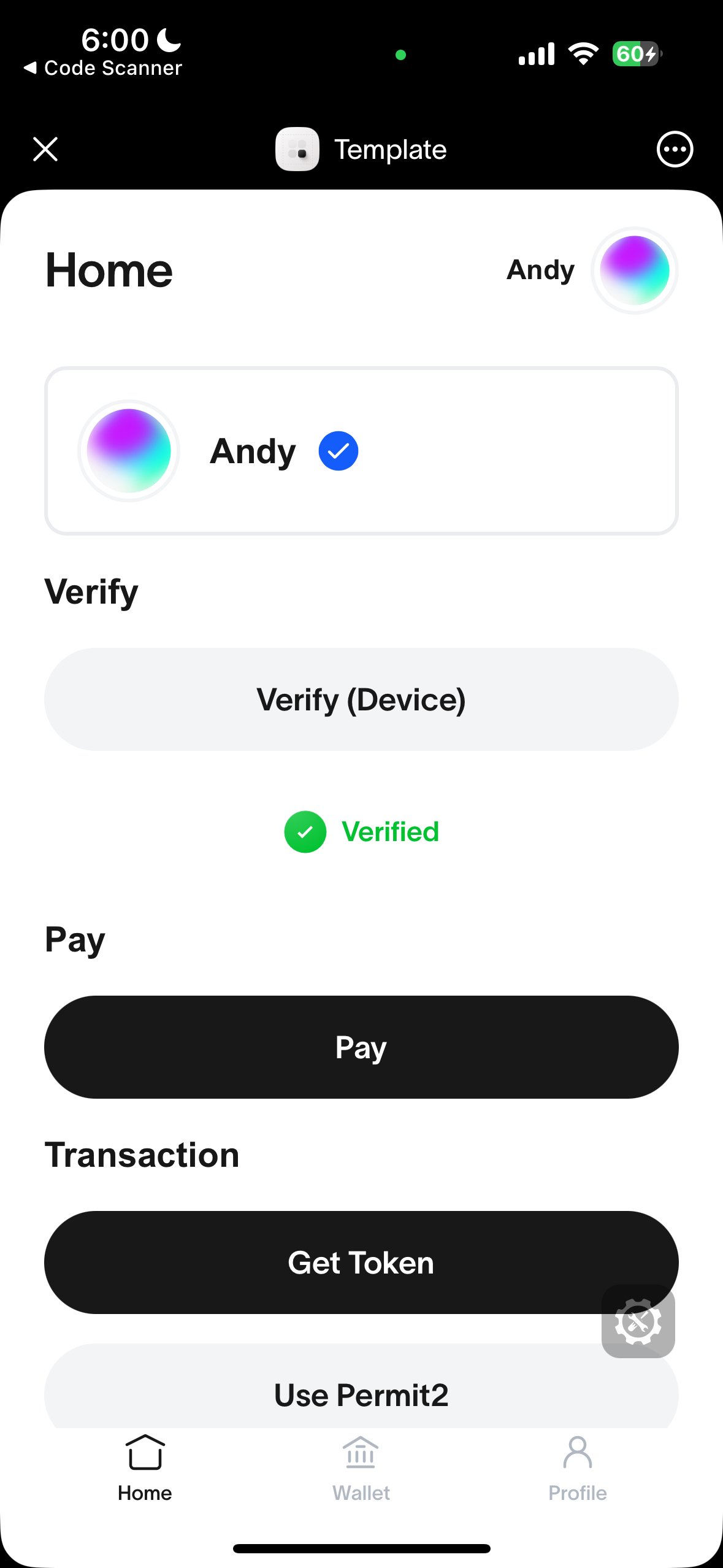
Correctly running template should look like this
Manual Installation
MiniKit-JS is the core library and is framework agnostic. Install it withpnpm, or use a CDN like jsdelivr for inline HTML. Replace [version] with the release you want to load.
TypeScript: the package’s type declarations reference
window.WorldApp without declaring it, so type-checking fails with "skipLibCheck": false. Set "skipLibCheck": true in tsconfig.json (the Next.js default), or add the Window.WorldApp declaration.Usage
- Wrap your app with
MiniKitProviderin a client component. This initializes MiniKit and makes it available throughout your app.
src/app/providers.tsx
src/app/layout.tsx
- Check if MiniKit is installed.
MiniKit.isInstalled()will only return true if the mini app is opened and initialized inside the World App. This is useful to distinguish between a user opening your app in the browser or in the World App.
useMiniKit() hook, as the official starter template does:
Build with AI
The World Docs MCP lets any coding assistant search the World documentation to help you build your mini app.- Claude Code
- Codex
- Cursor
- VS Code
--scope project writes a shareable .mcp.json to your project (recommended). Without it, the server is added only for you in this project (stored in ~/.claude.json); use --scope user to add it to all your projects.Template Repositories
The following template repositories are also available:- Vanilla JS (using a CDN) template (featuring a simple backend for verifications),
- Community example - Wallet Auth using JWT.
- Community example - Wallet Auth using NextAuth.
Watch a video tutorial here.